
Guides
Build and Conquer Roblox Beginner Guide (V0.1 Beta)
Start on an empty plot in Build and Conquer on Roblox: roads, housing, utilities, and your first commercial building before military spending.
FAQ
What do I build first in Build and Conquer on Roblox?
When can I unlock soldiers in Build and Conquer?
Should I rush infantry squads at Level 2?
Does Build and Conquer have a tutorial button list?
How many players share one server?
Build and Conquer on Roblox is a V0.1 Beta strategy experience by The Slop Company (place ID 103767961452227). Roblox’s description is explicit: you start on an empty plot, grow a city, manage money, workers, population, resources, happiness, and power, then expand into research, factories, and mainland warfare. This page separates official wording from community-reported build order so you do not bankrupt your first hour chasing missiles.
What is the first-hour goal on an empty plot?
Your first-hour goal is a connected mini-city that pays recurring income: roads, housing, power and water, then at least one commercial building. Roblox’s one-paragraph loop lists neighbourhoods, roads, farms, shops, factories, power plants, and water networks before war—treat that as the developer’s intended pacing. Only after population and cash stabilize should you read how to unlock military at 250 population or touch mainland PvP.
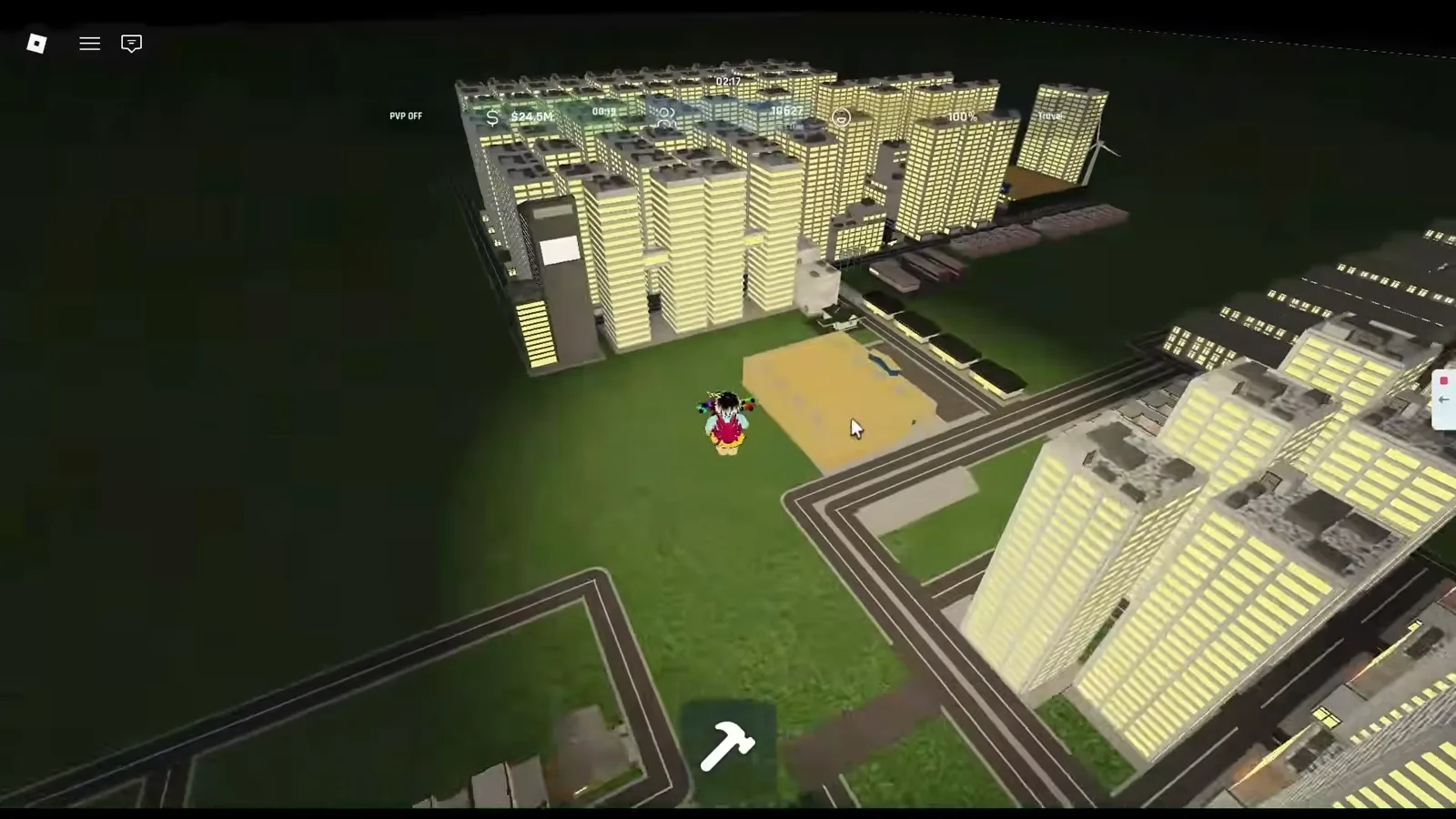
How do roads and zoning work in the build menu?
Community guides report that most buildings must sit near roads (tooltips often say within a few studs of a road). Roblox does not document hotkeys or exact placement rules in the public description, so read each building’s Needs panel before placing. A simple grid of roads with rectangular blocks for housing and a separate strip for shops keeps later utilities readable. For utility scaling once housing grows, see power and water utilities. For early zoning, industrial separation, and a step-by-step build order beyond a simple grid, see our best city layout and build order guide.
Which housing should beginners use?
Community guides recommend apartments over spamming commuter / communal housing, because communal types can lower happiness and cause population loss when overused. Reported population yields (community, not verified by us in-menu on every variant) include roughly 32 residents for mid-rise apartment Type 2-1 and about 48 for narrow high-tier apartments that fit tighter grids. Fundo’s starter video walks through Housing → Apartments → Mid Rise City Apartment placement side by side for density.
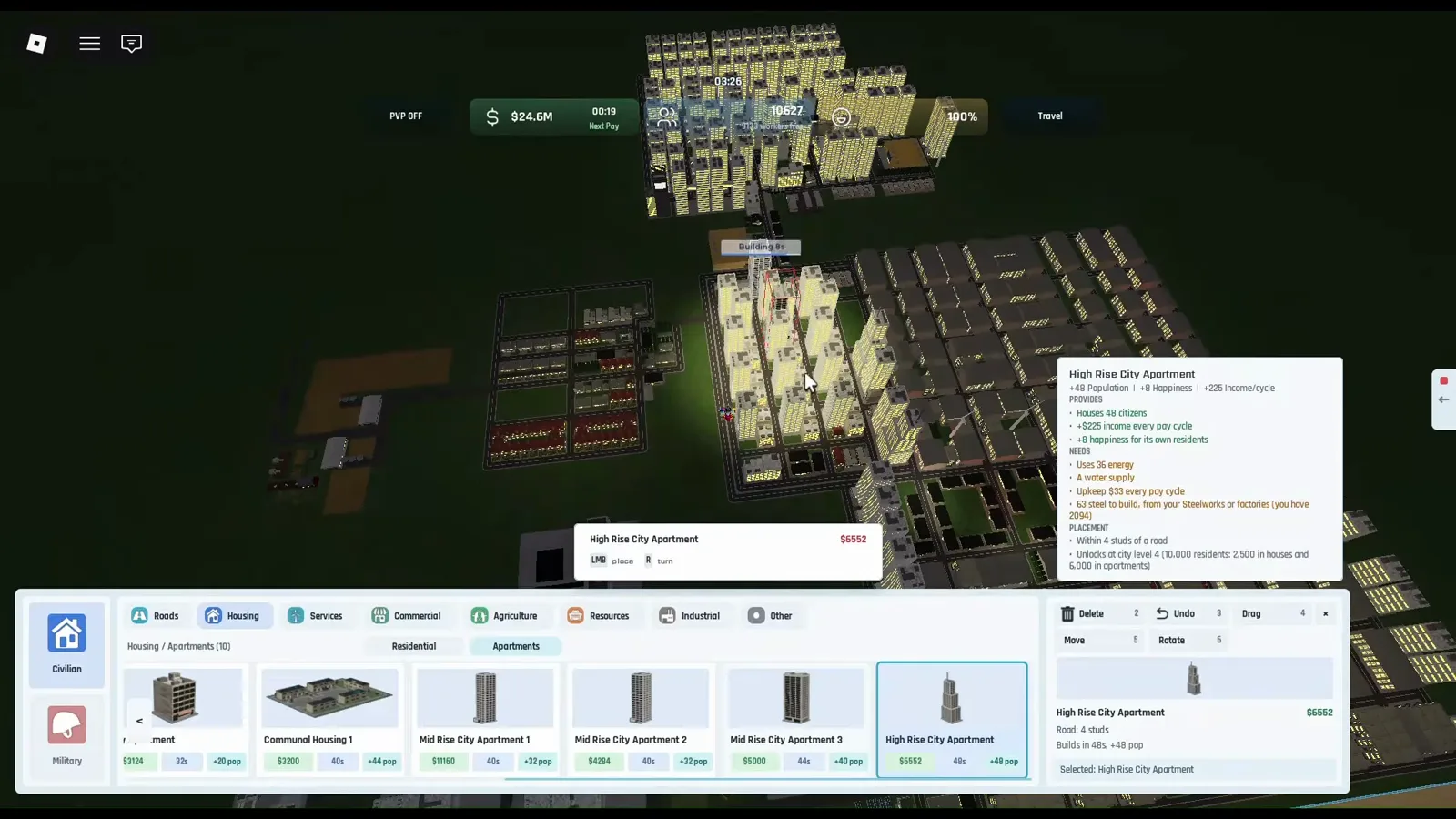
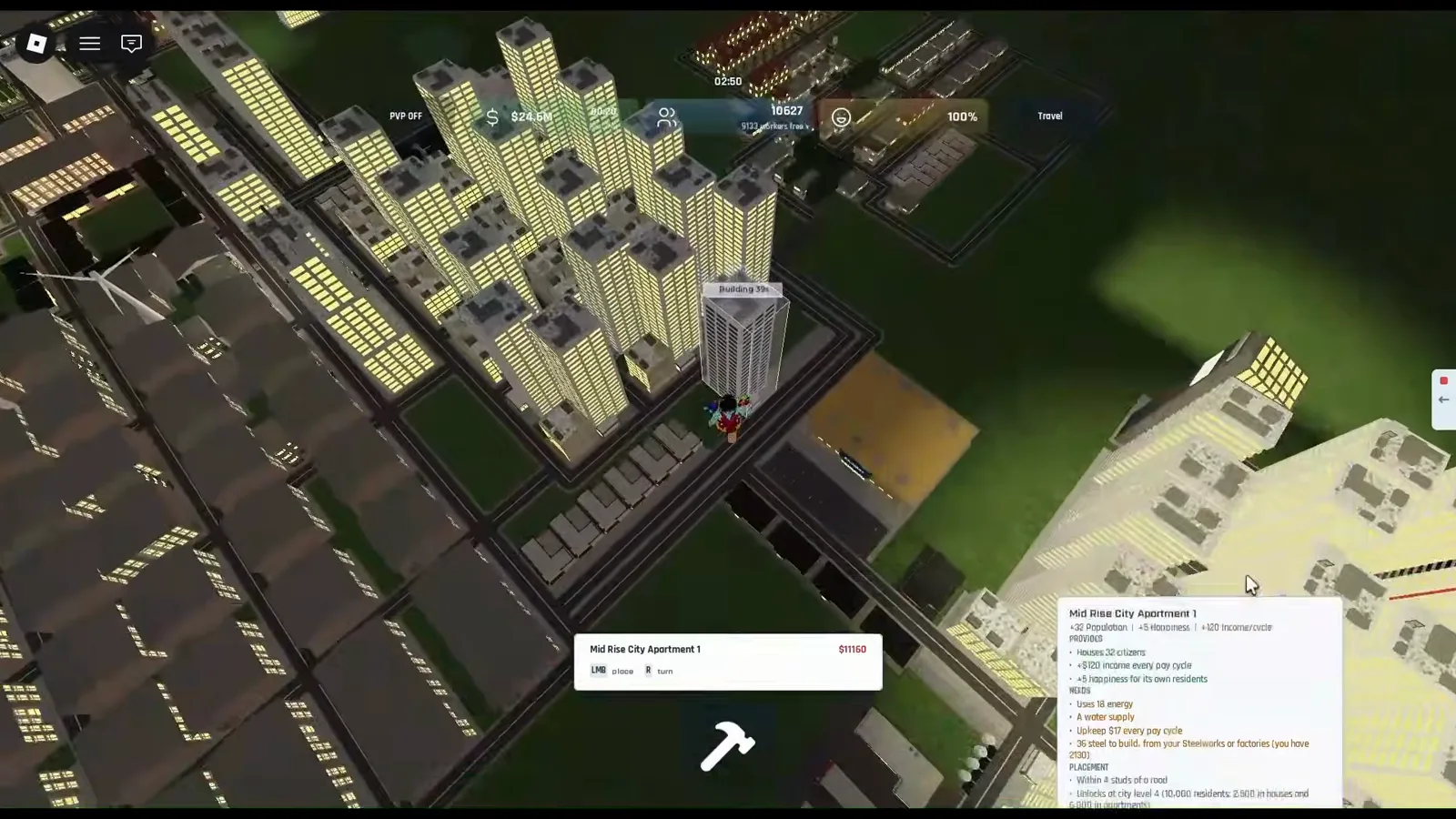
When do power and water matter?
Official text requires power plants and water networks alongside happiness management. Community building guides add that water towers must scale with housing and that solar panels or other generators appear in the utilities tab. We have not confirmed coal-mine-to-plant wiring or nuclear unlocks from primary sources. If happiness or power bars stall growth, pause new housing and fix utilities before copying a military checklist from fuel and steel production.
What is the best first commercial building?
Community economy guides cite supermarkets, strip malls, and gas stations as strong early commercial income. Income scales with population plus commercial buildings, and cash pays on regular cycles (exact timer not published officially). After your first commercial piece, read how to make money faster for mainland buffs and upgrade logic—still labeled community until you screenshot payouts yourself.
What should I avoid on day one?
Do not mirror end-game mainland missile raids on an empty plot. Community guides warn that eight guns per infantry squad makes early squads costly, and Fundo recommends stockpiling drones or vehicles only after bunkers, sirens, and income exist. Do not trust promo codes from other Roblox city builders—see Build and Conquer Roblox codes status. If you landed here from a similarly named game, read not the same as Build a Country.
Official vs community facts (quick table)
| Topic | Official (Roblox API / description) | Community reports | Still unverified by us |
|---|---|---|---|
| Starting state | Empty plot; manage money, workers, pop, resources, happiness, power | Road-adjacent placement; apartment grid layouts | Exact build costs and worker caps |
| Military timing | Research, manufacture vehicles/missiles, mainland tunnels | Level 2 at 250 population unlocks barracks/guns/soldiers | Per-level perks beyond Level 2 |
| Server size | maxPlayers 8 | Press E to fast-travel inside your territory | Tutorial button names |
| Beta expectation | “Expect bugs and constant updates” | Re-check build menu after each Roblox “Updated” stamp | Public changelog text on Roblox |
Community walkthroughs disagree on level 3–5 population gates; video-backed City panel notes and those conflicts are summarized in our city levels guide.

Fundo starter walkthrough for Build and Conquer on Roblox
Day-one checklist
- Claim you are on place 103767961452227 (title Build and Conquer [V0.1]).
- Lay a road loop before zoning housing.
- Place apartments in blocks; avoid communal housing spam per community warnings.
- Add power and water before pushing population past utility coverage.
- Build one commercial piece (supermarket or strip mall per community meta).
- Watch the city level / population readout; plan 250-pop military unlock next.
- Skip codes sites until our verified codes page lists a sourced active entry.
Screenshots from community walkthroughs (NasEwenb580, 1bzbyx8jjhU, and frames aligned with YellowHeadVin city footage) on Roblox place 103767961452227.
Related Articles
Guides
Best City Layout & Build Order in Build and Conquer Roblox
Best city layout in Build and Conquer Roblox: road grid, apartment density, utilities, commercial strips, industrial separation, and a pre-military checklist.
Guides
Build and Conquer Roblox City Levels: Reach Level 5 Metropolis
Build and Conquer Roblox city levels: L2–L5 gates, card quotas (500, 5,000, 20,000 residents), and 2,500-in-houses tips—check Buildings → City after BETA patches.
Guides
Buy Land & Expand City in Build and Conquer Roblox (2026)
Expand your Build and Conquer Roblox plot: official goals, community $200k land reports (not verified on-screen), blue borders in video, and More City Slots facts.
Was this helpful?
Thanks for the feedback!